The cab display is an iPad or Android tablet you already own.
EEVEX is a free cross-platform app. Full simulator mode lets a buyer learn grade, diagnostics, and safety screens with touch controls or a physical joystick — before hardware ships.
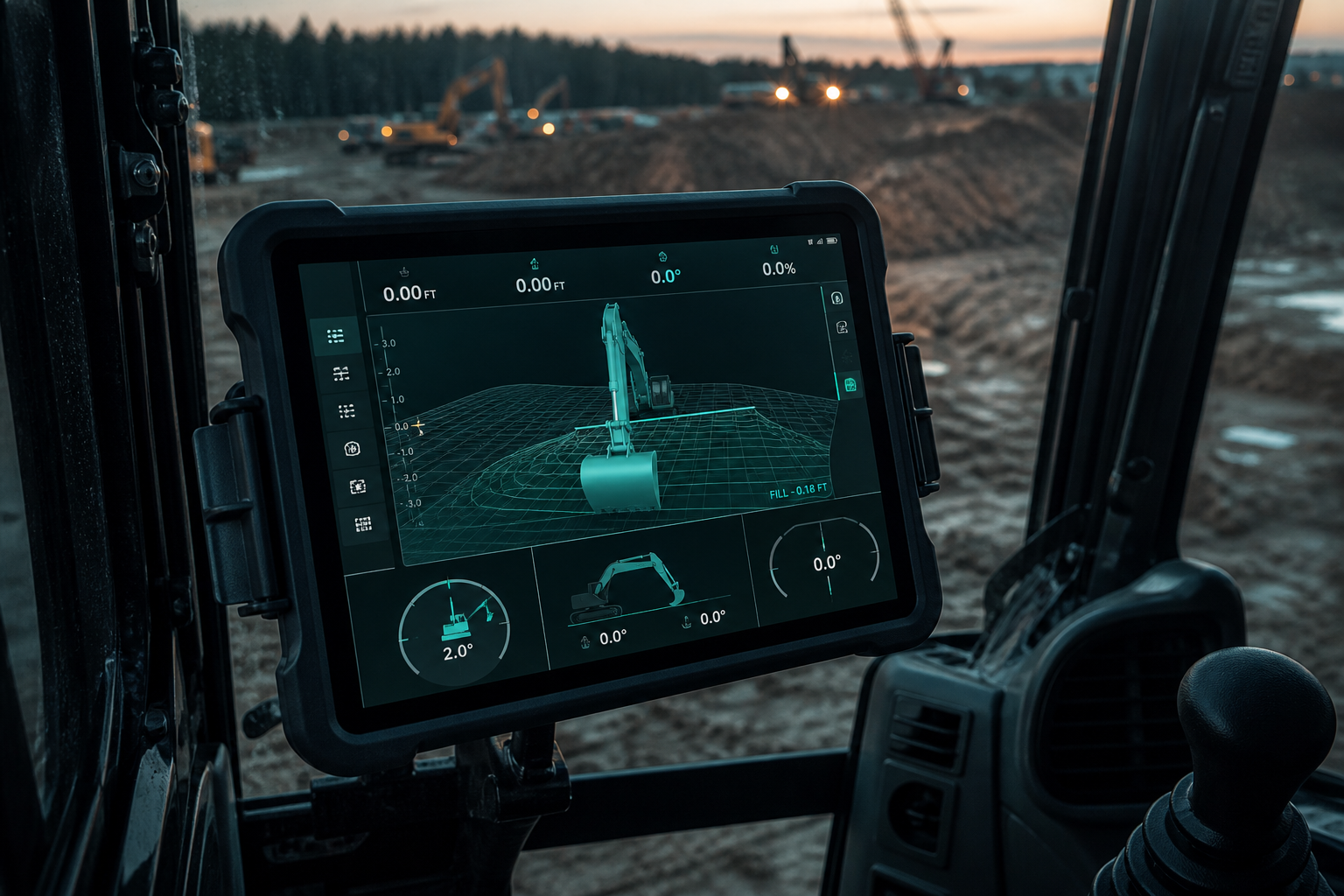
One app, four jobs
Guidance, live CAN diagnostics, on-device AI cameras, and land survey — without a proprietary panel or a cellular modem in the box. The tablet is the radio.
Screens
UI mockups below stand in for production screenshots. Drop real captures into this grid when the app is visually frozen.
Simulator — feel it before you buy
Simulator mode is a full product experience, not a slideshow. On-screen sticks move the virtual excavator. Plug in a physical joystick and the same control mapping you will use in the cab. That is the conversion loop: download free, train the operator, then order EEVEX Core and a cloud seat.
Book a guided walkthroughTry the product before you buy the box.
The app is free. Simulator mode is realistic. When you are ready, EEVEX Core and a cloud seat turn the same screens into live RTK guidance, diagnostics, and AI safety.